Logical planner
The logical planner aims to create complex analytical workflows from a given set of abstract plans and intent information.
In this window the user can decide on which abstract plans materialize to logical plans. To help the user decide, a set estimated metrics are provided on each abstract plan. These metrics are obtained using Option Explorer API and are based on the intent information. Additionally, it is also possible to individually visualize the abstract plans.
info
If one of the abstract plans generation is restricted using one of the algorithm recommendation only one option will appear. Thus, no Option Explorer information will be present
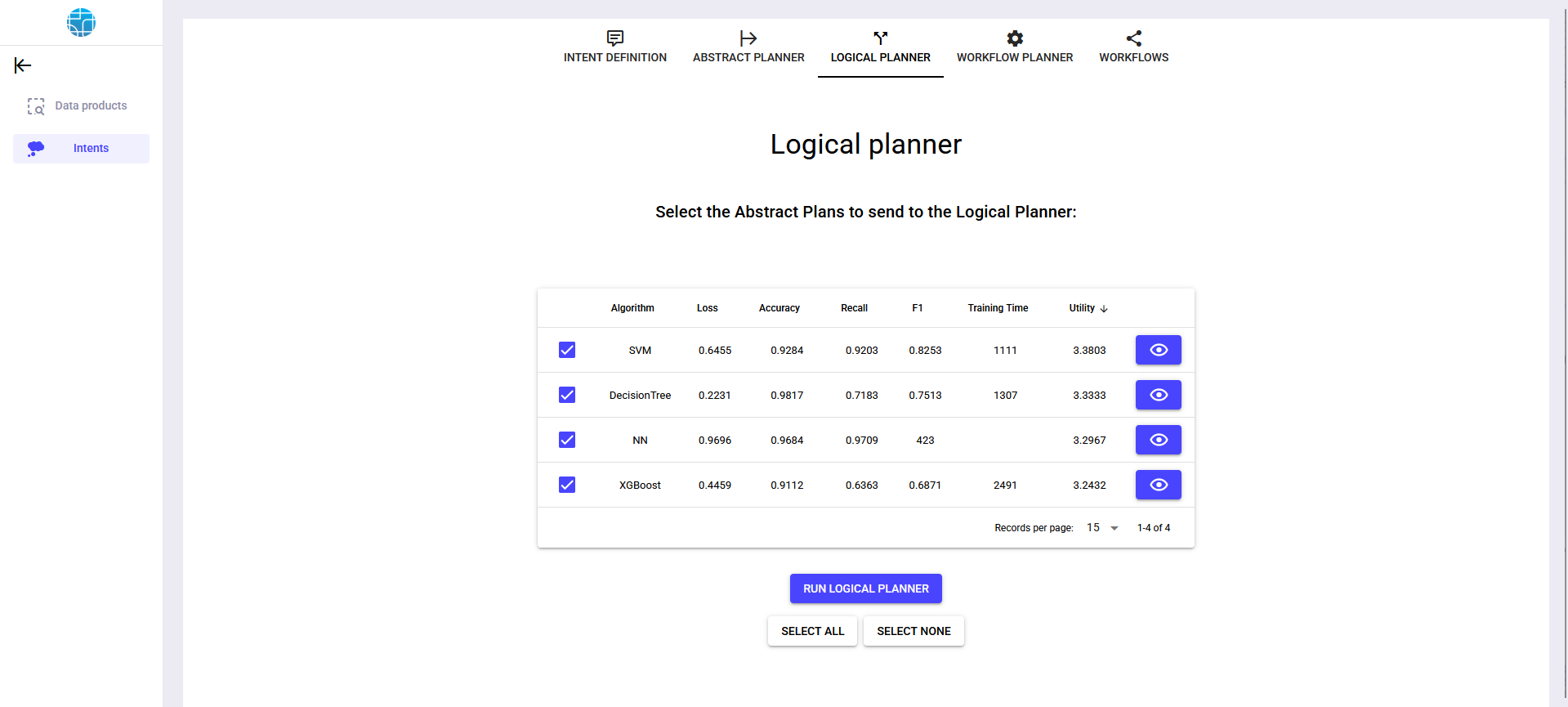
Visualize abstract plan
- 1Click on the desired abstract plan.
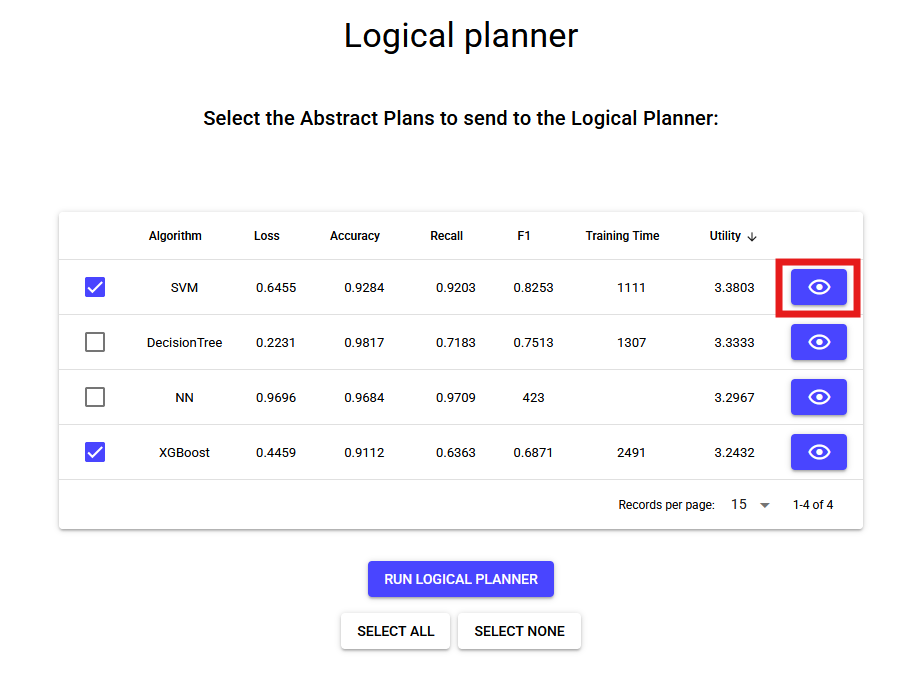
- 2An interactive diagram should be displayed with the abstract plan components and relations.

Run logical planner
- 1Select the abstract plans that will be used to generate more complex workflows (logical plans). This selection can be done by individually checking abstract plans.
Alternatively, is it possible to select all plans at once using and deselect all plans using .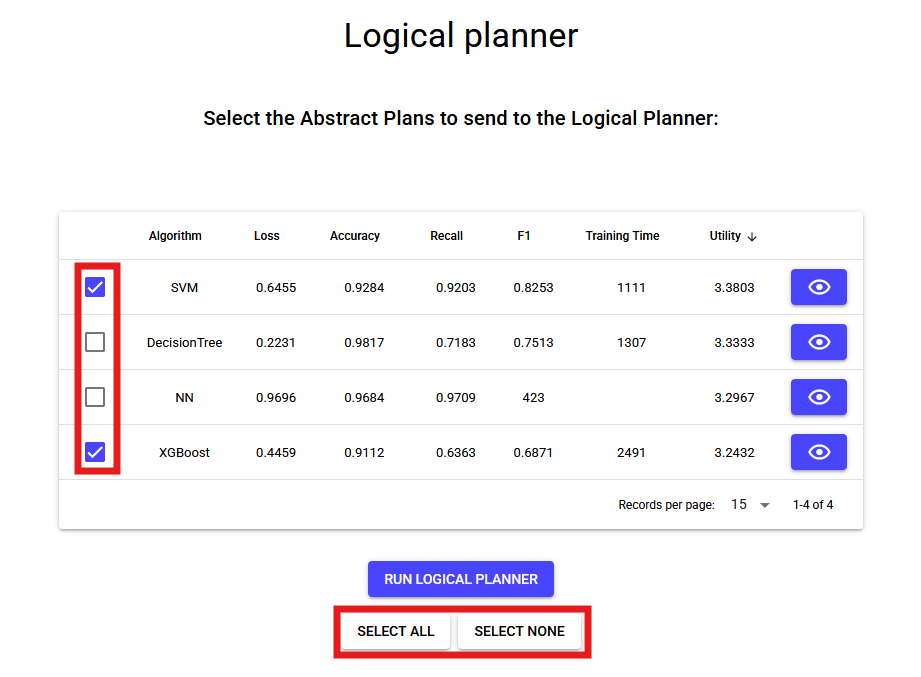
- 2Click .
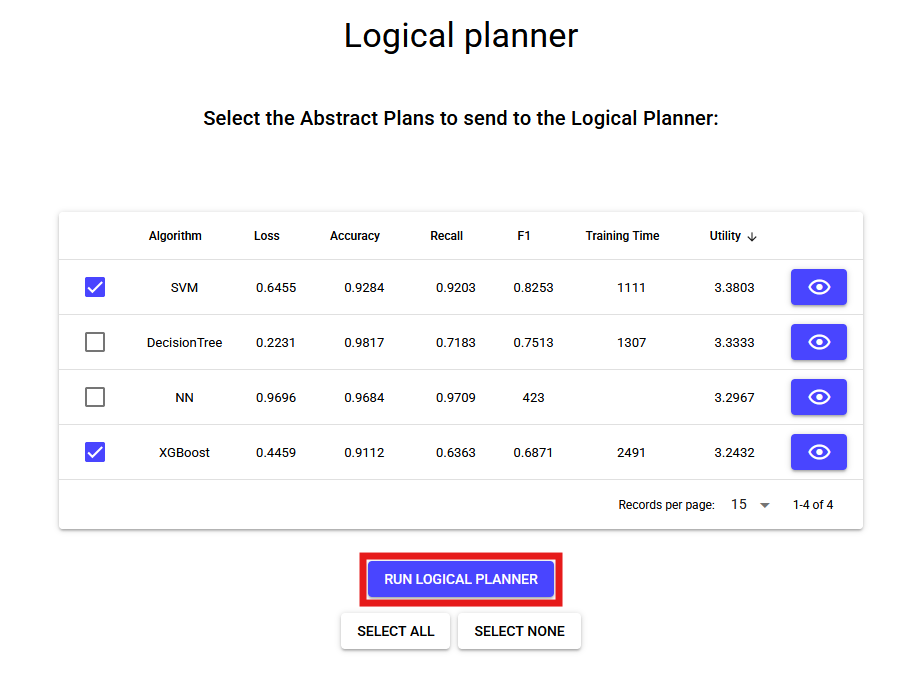
- 3The generated plans will be displayed in workflow planner window.