Workflow planner
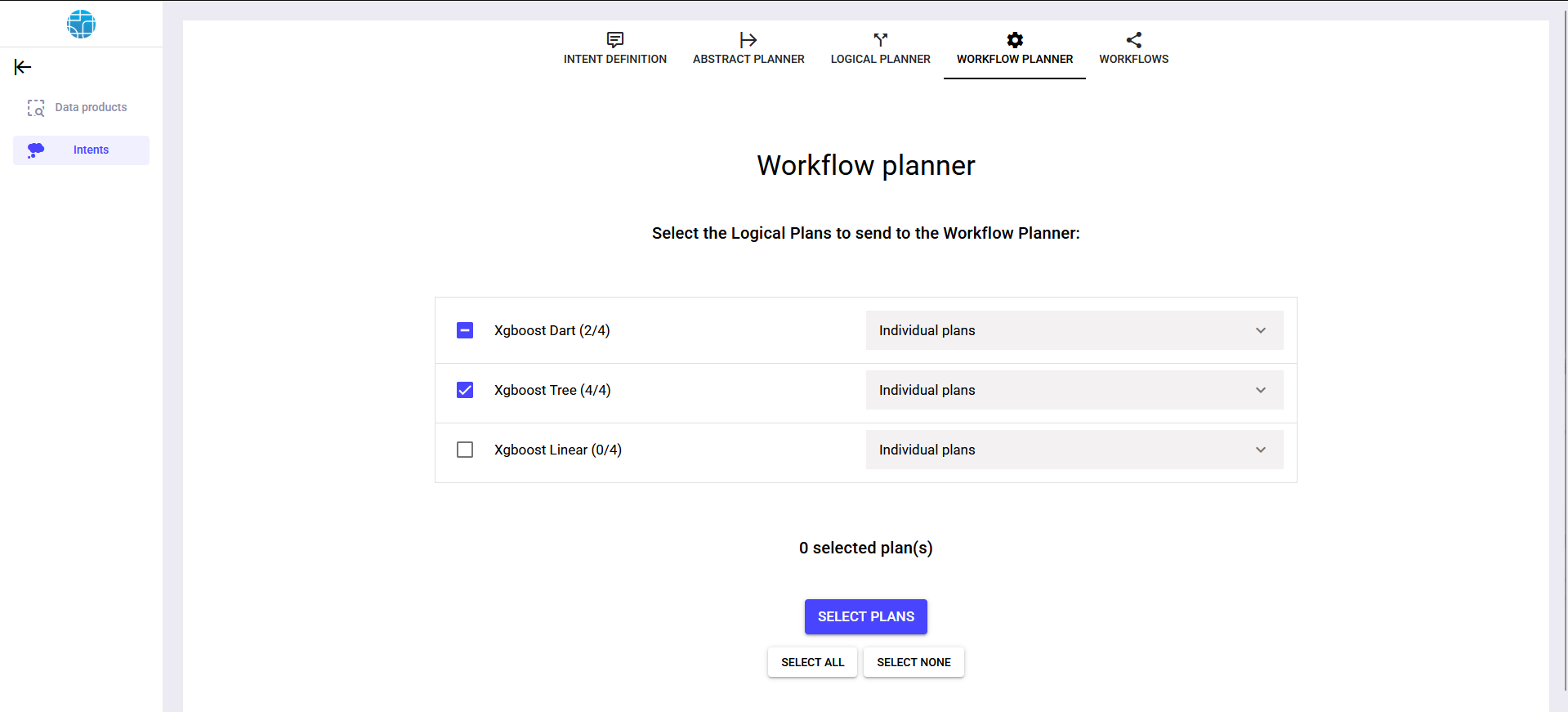
In the workflow planner phase, the main goal is to select the logical plans that will be materialized into analytical pipelines. To do so, it is possible to individually visualize the logical plans.
Visualize logical plan
- 1Click on the desired logical plan
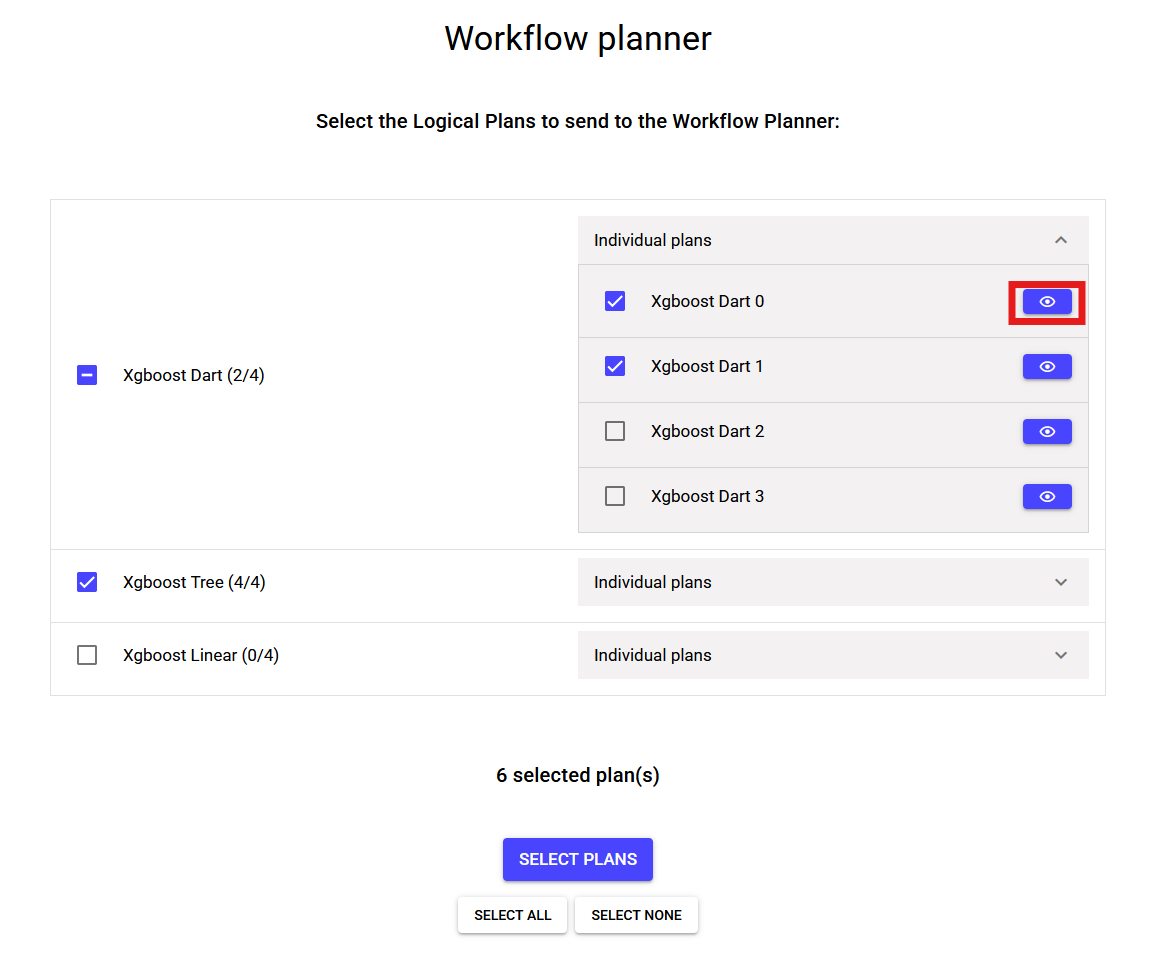
- 2An interactive diagram should be displayed with the logical plan components and relations.

Run workflow planner
- 1Select the logical plans that will be materialized (i.e. the pipelines that the user wants to export). This selection can be done by individually checking logical plans.
Alternatively, is it possible to select all plans at once using and deselect all plans using .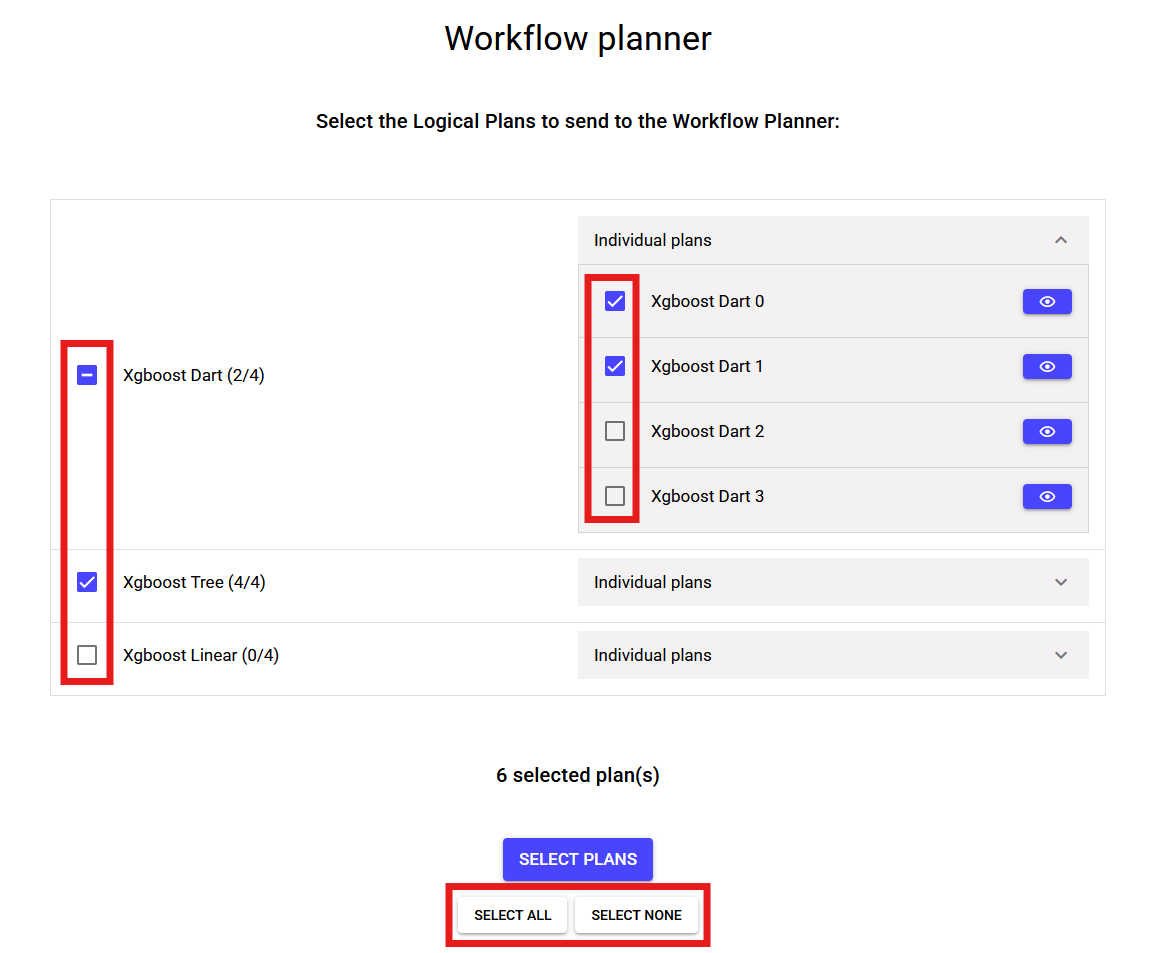
- 2Click .
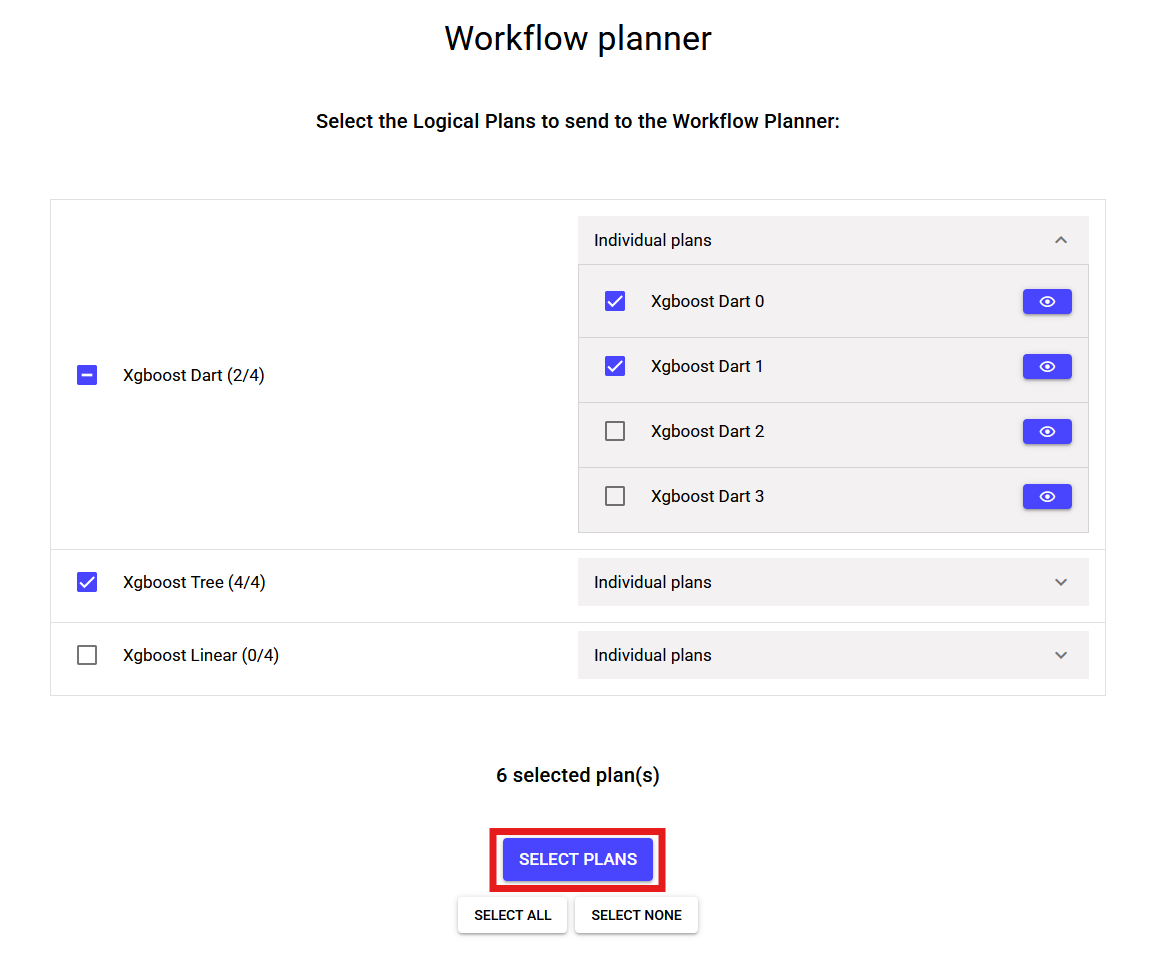
- 3The generated workflows be displayed in workflow exporter window.